
How to connect to a server using SSH client
 eglueadmin
 December 30, 2022



 eglueadmin
December 30, 2022
eglueadmin
December 30, 2022
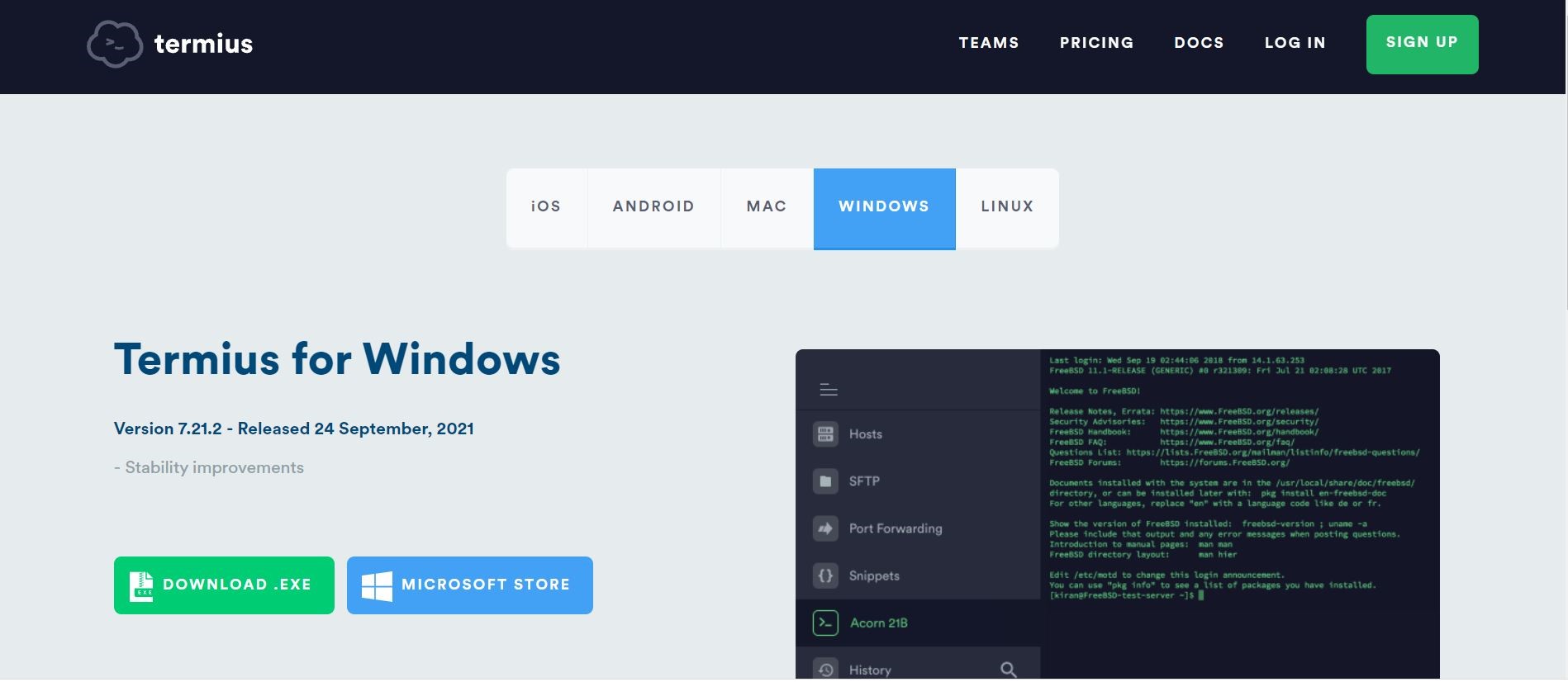
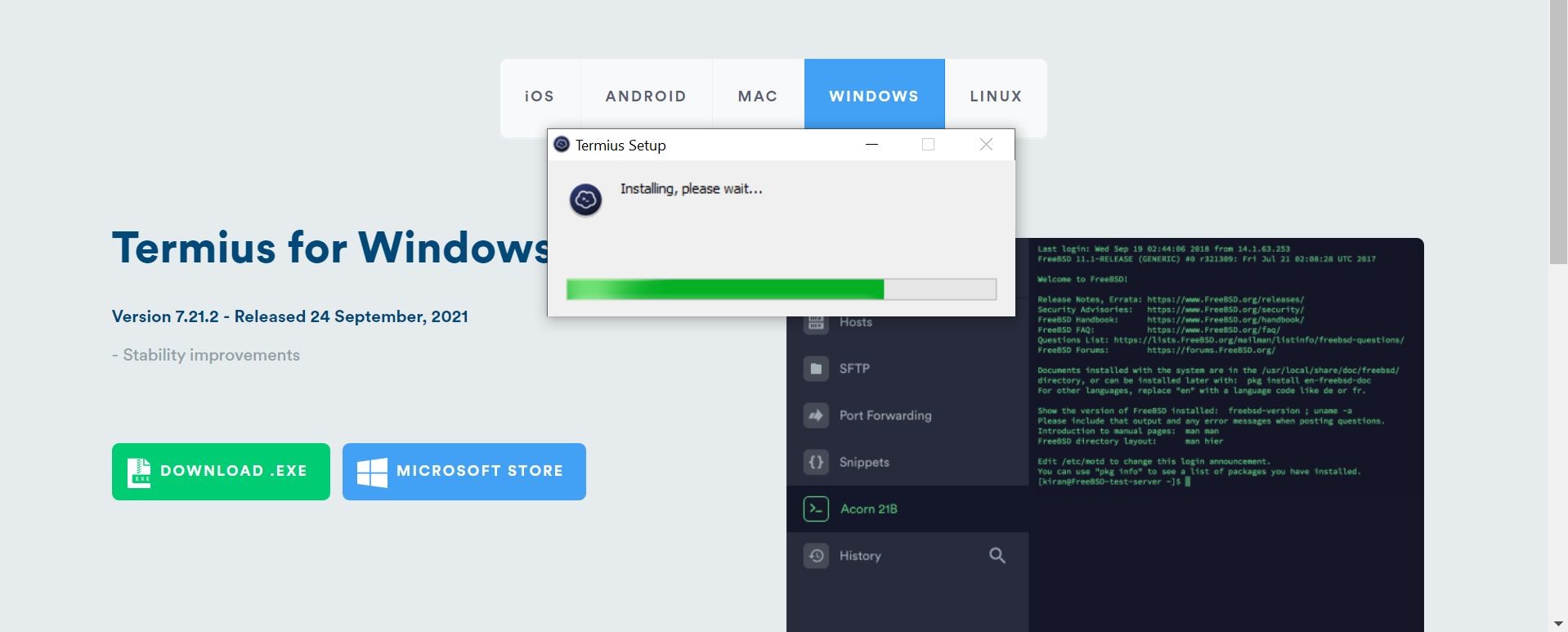
Download an SSH client. We have shown Termius as an example, you can use any SSH client. Termius is compatible with Windows, Mac and Linux.
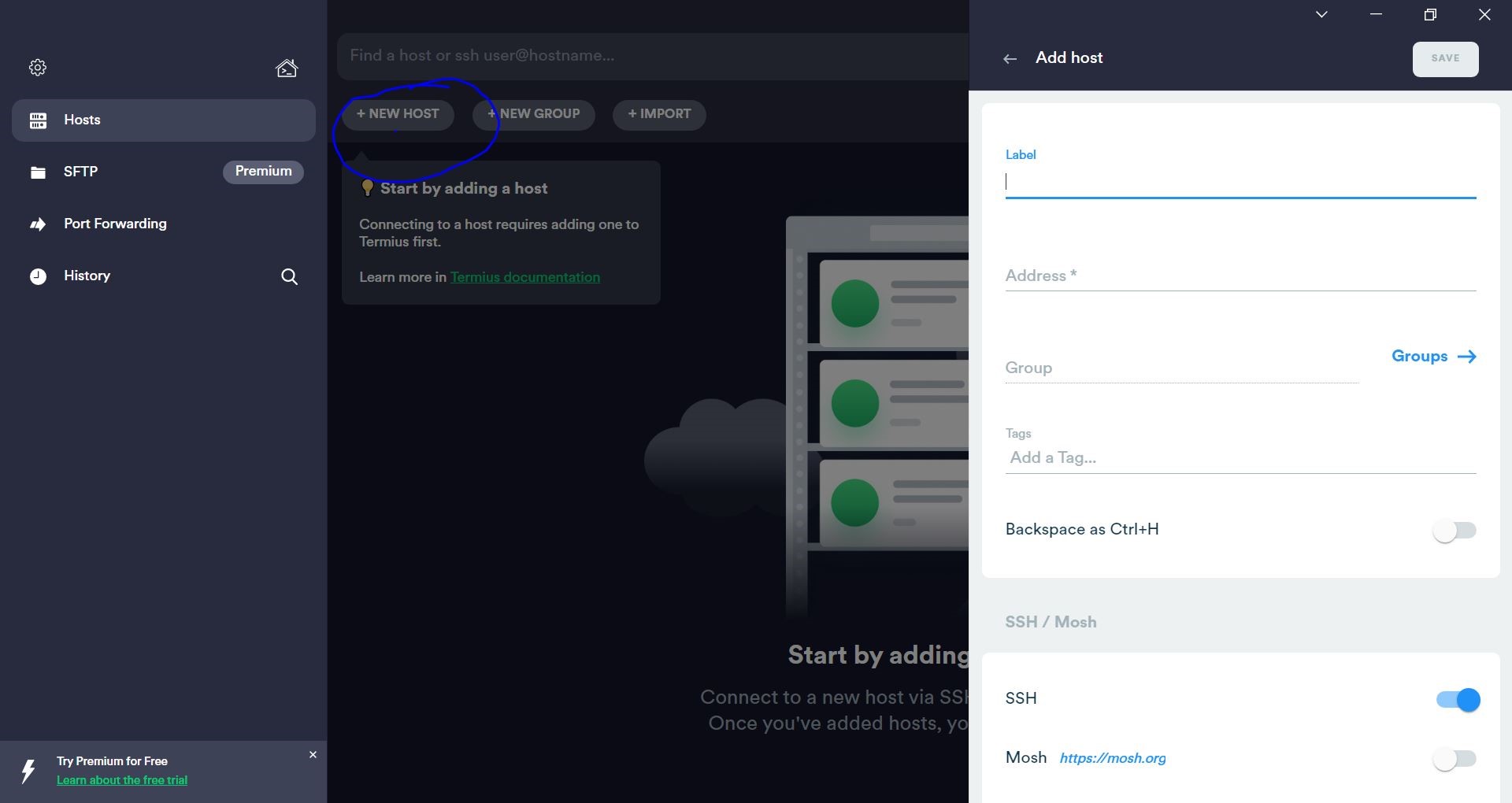
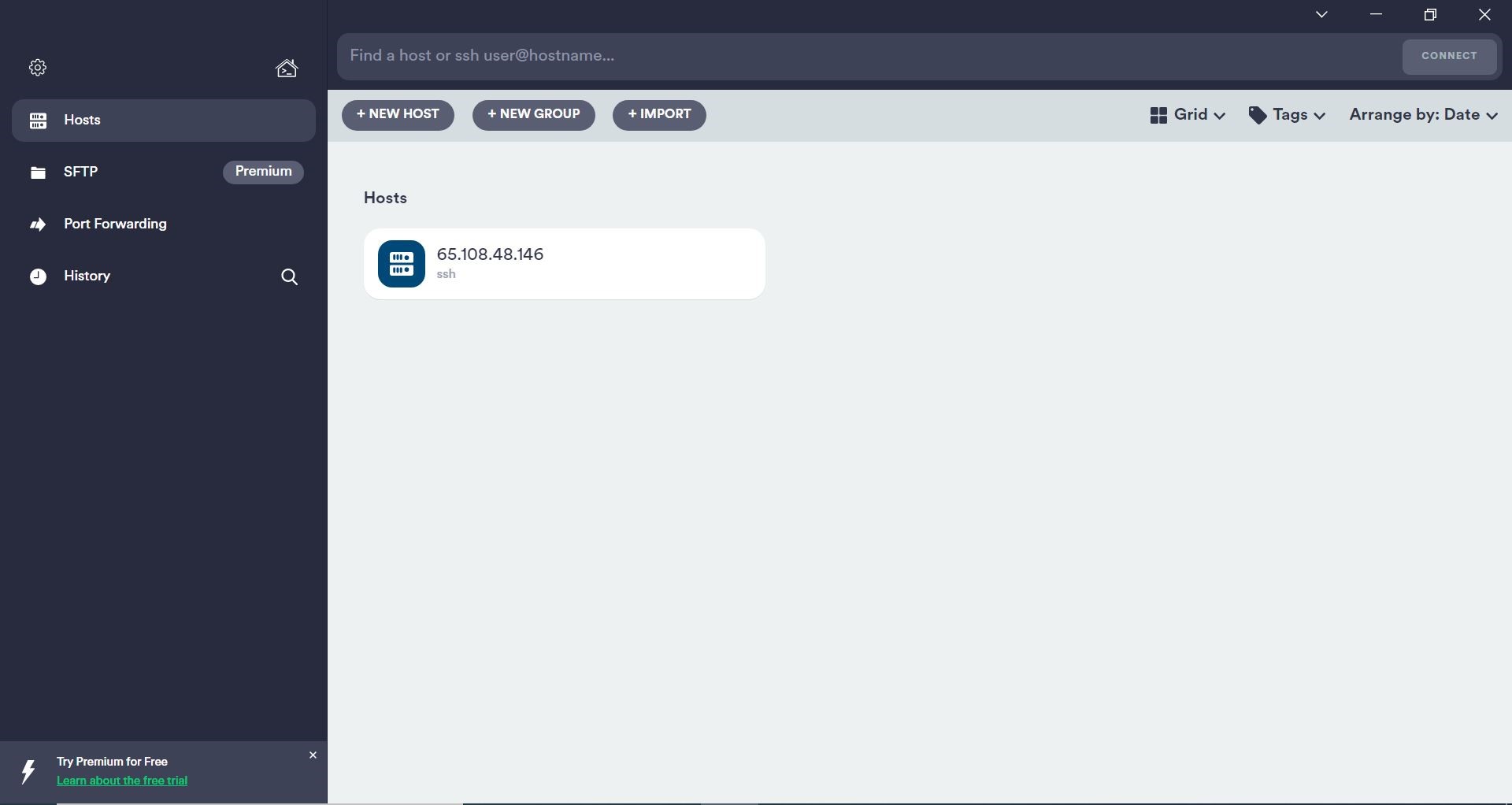
Click on the IP button
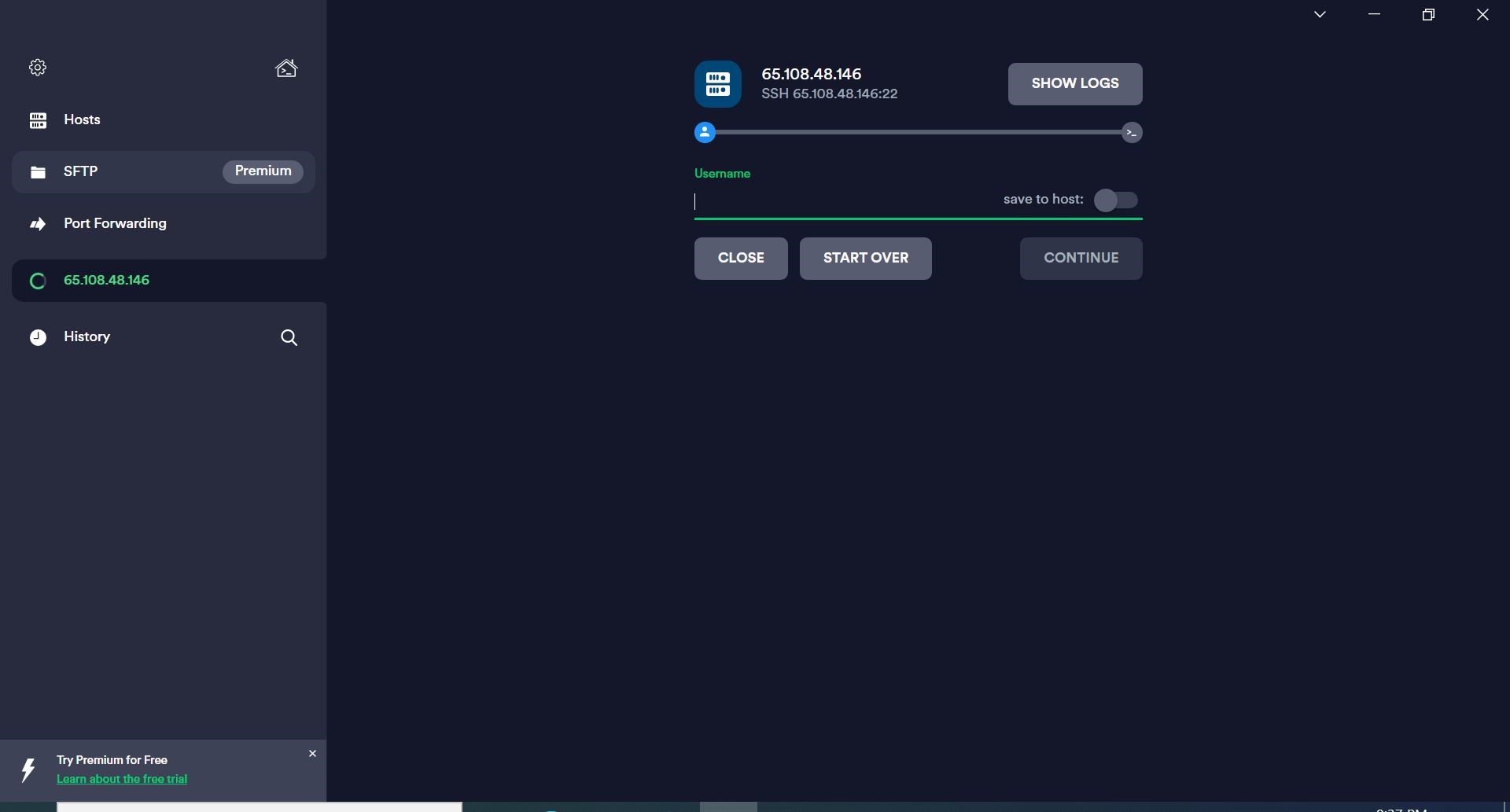
Give the username provided to you click continue
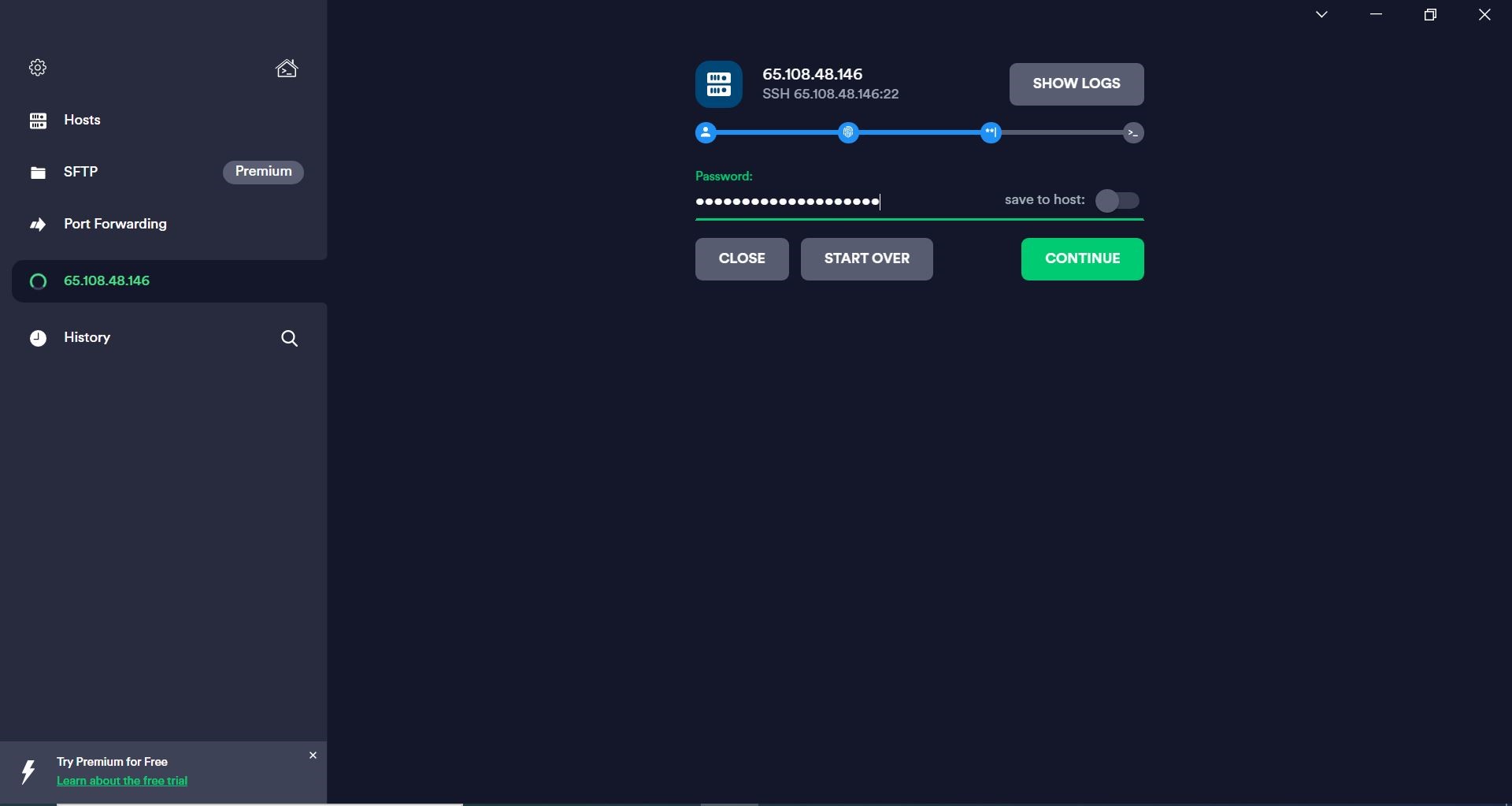
Give the password in specified field, click continue
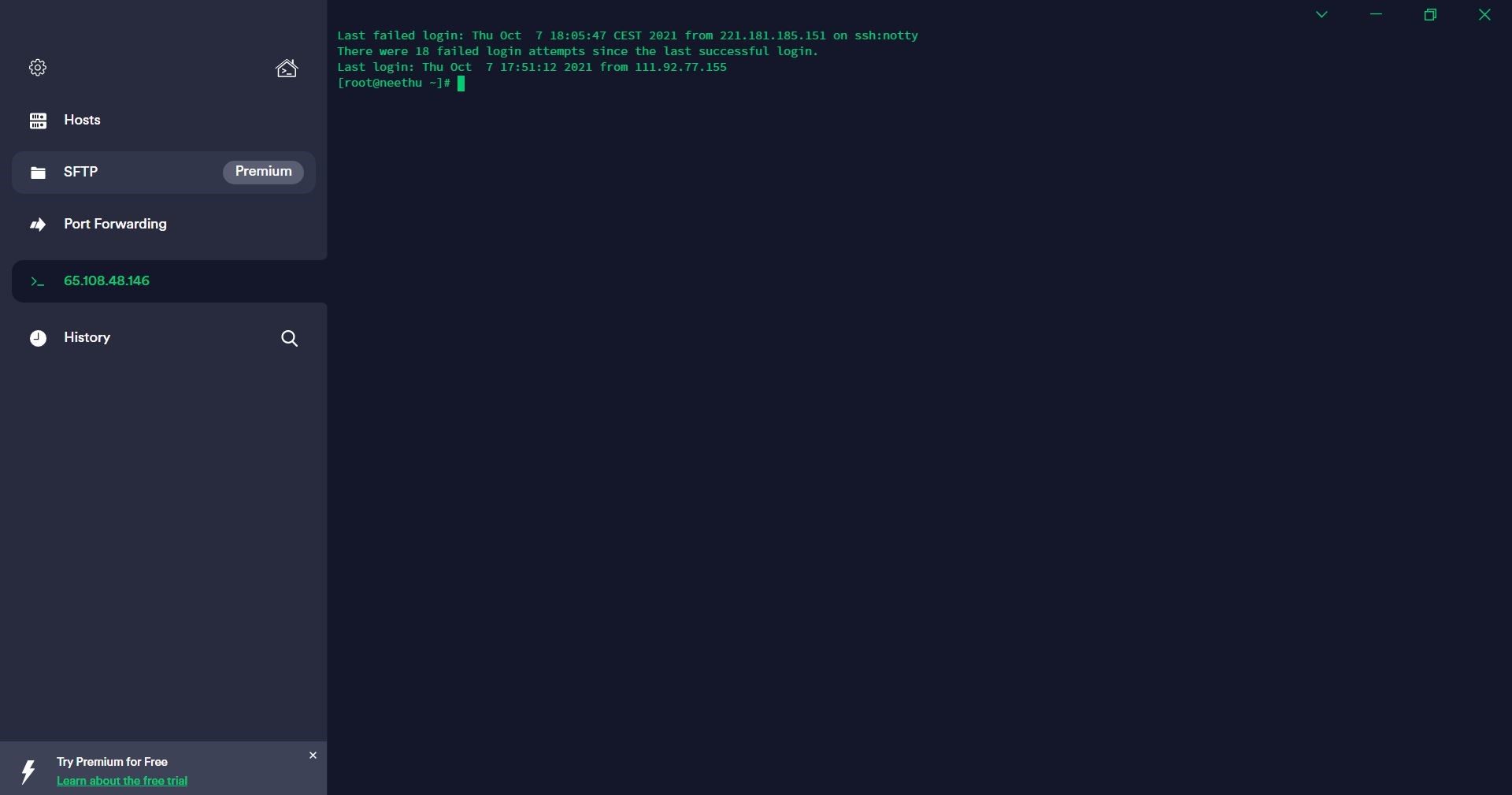
Now you will be able to access the server.
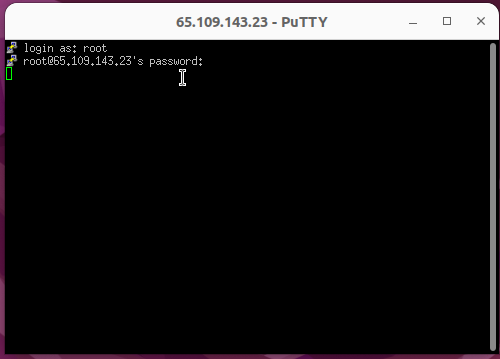
If you are using putty, you can give the IP address as shown in the screenshot
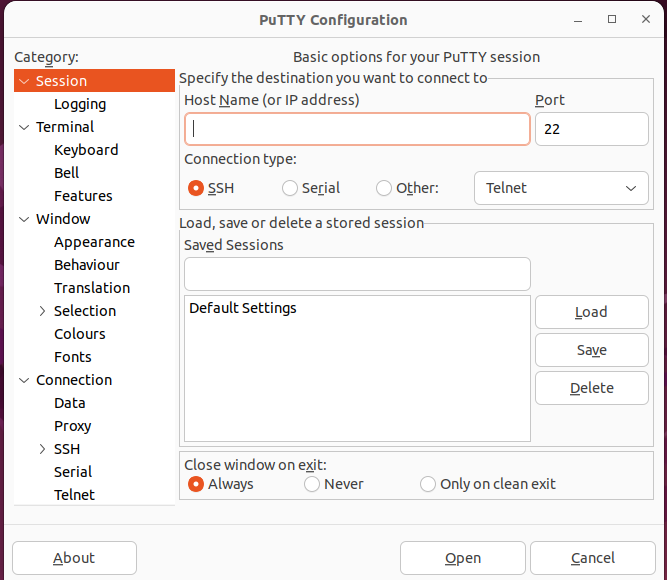
Once connected, they will ask for the credentials
Hope this article helped you to get an idea on how to connect to a server with the help of an SSH Client